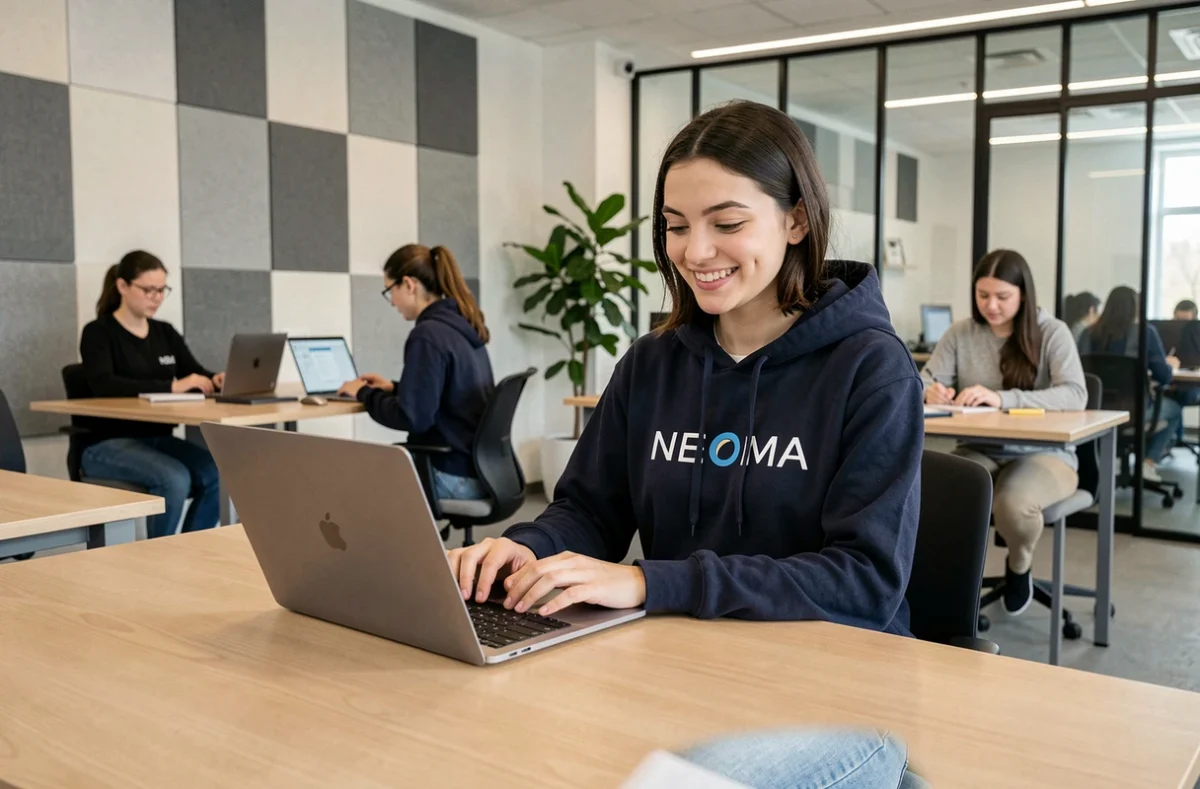
Neomagora, often referred to by its full name MyNEOMAgora, is the online portal that NEOMA Business School provides to its students to centralize information related to their studies. Built on a Microsoft SharePoint infrastructure, this space operates in a web browser and consolidates administrative and academic data into a single access point.
Neomagora and SharePoint: Understanding the Technical Architecture of the Portal
Contrary to what its name might suggest, Neomagora is not a standalone mobile application or software to install. The portal relies on SharePoint, Microsoft 365’s collaborative tool. Specifically, when a student logs in, they access a site hosted on NEOMA’s Microsoft environment, with a standard web interface.
This architecture has direct implications for daily use. The display depends on the browser used and the quality of the connection. On mobile, the page loads in the browser without a dedicated application, which can make navigation less smooth than on a laptop.
For students who want to learn everything about Neomagora from NEOMA, this distinction between web portal and native application is the first point to grasp: the accessible features remain the same regardless of the device, but the user experience varies.

Access and NEOMA Credentials: Decoding the Login Process
The first difficulty encountered by new students often concerns authentication. NEOMA assigns two distinct identifiers to each enrolled student, and confusing them blocks access to the portal.
Two Identifiers, Two Uses
- The identifier @first (format firstname.lastname.xx@first) is primarily used to connect to the campus Wi-Fi. The suffix “xx” corresponds to the last two digits of the year of entry into the school.
- The identifier @neoma-bs.com (format [email protected]) serves as the official email address. All communications with administrative services go through this address.
- The initial password is the one set during administrative registration. In case of loss, a dedicated reset page is accessible from the Neomagora login screen, and the Service Center of the Information Systems Department can be contacted via a ticket form.
Testing the identifier @neoma-bs.com first to access Neomagora remains the most reliable reflex. The identifier @first is primarily used for Wi-Fi on campus.
Features of Neomagora for NEOMA Students
Once logged in, the portal provides access to several categories of information consolidated on the same interface. The role of Neomagora is that of a dashboard for academic affairs, not an online course platform.
What the Portal Displays
The schedule of classes, events, and exams is the most consulted section. Grades are also published throughout the semester, accompanied by attendance tracking. Syllabi, which detail the content and objectives of each module, can be accessed directly from the portal.
The financial schedule, study regulations, and teaching contract are also among the accessible documents. These administrative pieces prevent students from having to routinely contact the academic services for common questions.
What the Portal Does Not Replace
Neomagora centralizes information but does not replace course submission platforms. Detailed educational materials, exercises, or submission spaces may be found on other digital tools provided by the instructors. Distinguishing between the administrative portal and the actual course spaces helps avoid searching for a document in the wrong place.
Campus Life and Additional Tools Accessible via NEOMA
Beyond Neomagora, enrollment at NEOMA provides access to a range of digital services related to the Microsoft 365 environment. Each student has a Microsoft Office 365 license, which includes the full versions of Word, Excel, PowerPoint, and Teams.
The international student card ISIC, mentioned in the school’s resources, grants discounts in many countries. Facebook groups specific to each campus (Reims, Rouen, Paris) also allow cohorts to organize alongside official channels.
The campus Wi-Fi network, named “Neoma BS,” uses the identifier @first for connection. This technical detail may seem trivial, but it is a frequent source of blockage during the first days on site when students attempt to connect with their @neoma-bs.com email address instead of the @first identifier.
First Days on Neomagora: Key Reflexes to Adopt
During the first login, checking that the @neoma-bs.com email address works correctly is a priority. This address is the official channel of the school: missing a message sent by administrative services can delay a course registration or payment.
Adding Neomagora to favorites in the browser simplifies daily access, as no dedicated application replaces the web version. Exploring the different sections of the portal in the first few days allows students to identify where key information is located before the workload accumulates.
NEOMA’s SharePoint portal is not spectacular in terms of interface, but its function is precise: to consolidate in one place what previously fell under several channels. For a student starting out, mastering this tool from the beginning is a time saver throughout their entire course.